How to Reset Ford F-150 Door Code Without Factory Code

You cannot reset a Ford F-150 door code without the factory code. No button sequence on the keypad erases the factory code or creates a new personal code on its own.


The fix is to recover the factory code first, then program a personal code in under a minute. This guide shows five verified ways to find that factory code and the myths that waste your time.
The steps below cover F-150 trucks from 2009 through 2026 with the SecuriCode keypad. If your truck has no keypad on the driver door or B-pillar, it has no door code to reset.
5 Proven Ways to Recover Your Factory Code


The factory code is a permanent five digit number stored in the Body Control Module, or BCM. It is set at the factory and it always works, even after you add personal codes.
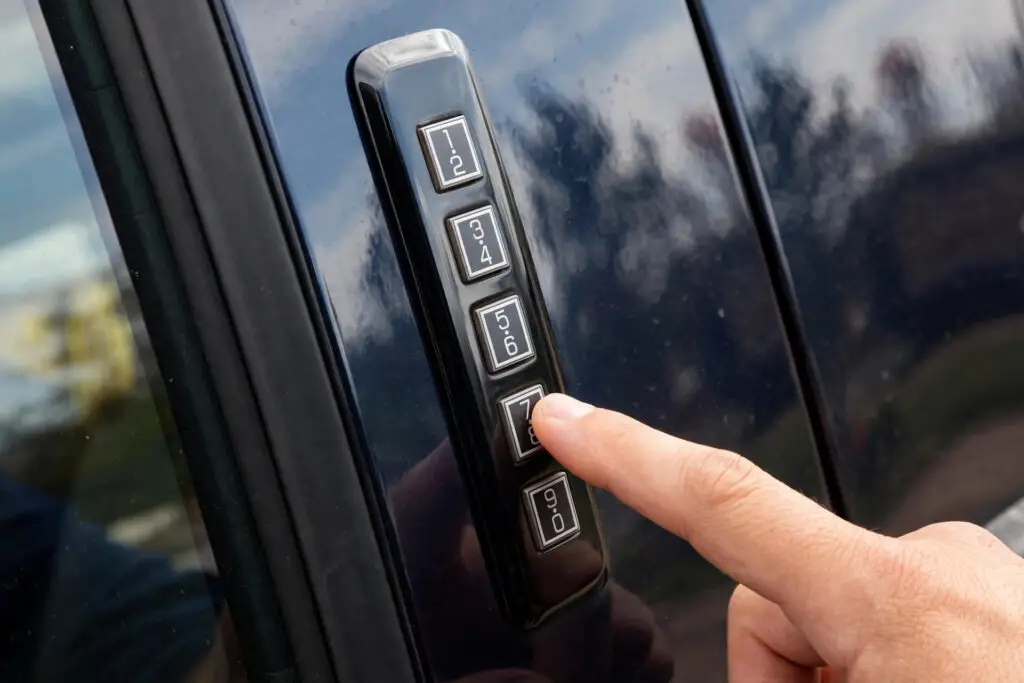
Personal codes are different. You can create up to five of them for daily use, and you can change them any time. Every method below recovers the factory code so you can program a personal code of your own.
| Method | What You Need | Cost |
|---|---|---|
| Wallet card | Owner manual packet | Free |
| Two key display | Both programmed keys | Free |
| Module label | Trim tool and patience | Free |
| FORScan scan | Laptop and OBD adapter | Adapter cost |
| Dealer visit | Photo ID and registration | Service fee possible |
Check the Wallet Card First
Ford ships the factory code on a small wallet card inside the owner manual packet. That packet usually sits in the glove box.
Check every pocket and sleeve in the manual folder. Previous owners often tuck the card between pages or behind the manual cover. Ford explains how to find your keyless entry code on its support site, and the wallet card is the first place it lists.
Use the Two Key Display Trick
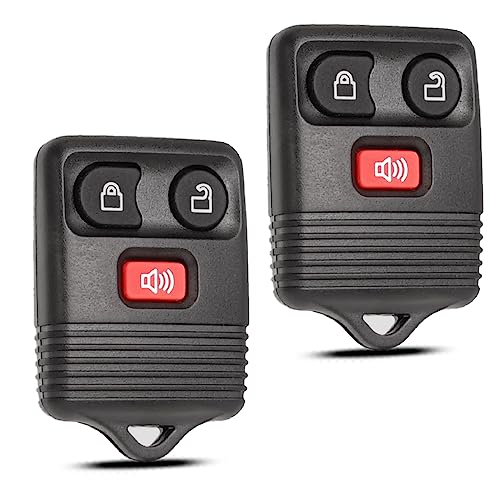


Ford lets you display the factory code on the instrument cluster if you have both programmed keys. The full sequence must finish within 30 seconds, and you must not press the brake pedal at any point.
For a regular ignition key, insert the first key and turn it to the on position without starting the engine. Wait four seconds, remove the key, then insert the second key and turn it to the on position. The factory code appears on the information display for a few seconds.
For a push button start fob, place the first fob in the backup slot with the buttons facing down, press Start Stop once, wait four seconds, press it again, and remove the fob. Repeat with the second fob and the code appears on the display.
Have a phone camera ready before you start. The code shows only briefly and it may appear after other warning messages clear. If you have only one programmed key, skip this method and use the dealer option below.
Read the Label on the Module
Ford also prints the factory code on a white label attached to the module that controls the keypad. The label shows five bold digits, often beside a barcode. On 2015 and newer F-150 trucks, the module sits behind the passenger side kick panel near the floor.
On older trucks the module location varies by year, so check your owner manual for the exact spot. The 2011 F-150 owner manual states that the factory code is marked on the computer module and is available from an authorized dealer.
Try FORScan With an Adapter
FORScan is diagnostic software that talks to Ford modules through the OBD-II port. Owners report that it can read the factory keyless entry code from the BCM on many F-150 trucks.
You need a Windows laptop, a compatible OBD adapter, and the FORScan software. Some functions need the extended license, which is free for personal use.
Use this method only if you are comfortable with diagnostic software. FORScan can change module settings, so back up the module data before you write anything.
Ask a Ford Dealer for Help
A Ford dealer can pull the factory code from the BCM with factory diagnostic equipment.
Bring photo ID and paperwork that shows the VIN and your name, such as the registration or title. Ford provides the code in person only, after proof of ownership, and a service fee may apply.
How to Set a New Personal Code in Minutes
Once you have the factory code, programming a personal code takes less than a minute. The factory code stays active as a backup, so write it down before you change anything. The keypad times out after five seconds between entries, so work quickly through the steps.
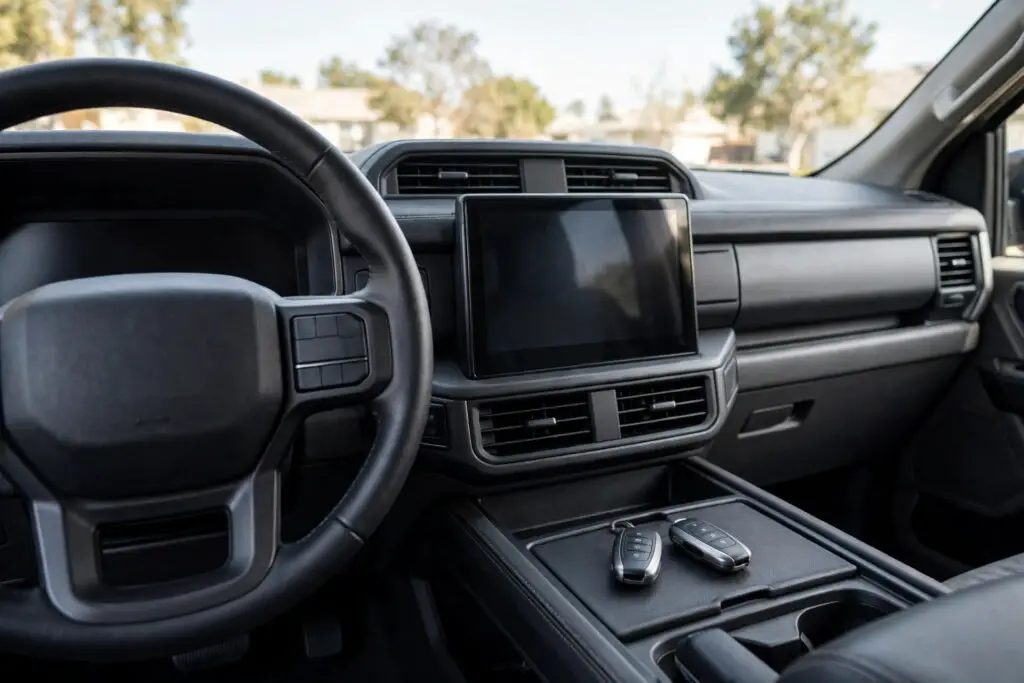
Program With the Door Keypad

Enter the five digit factory code on the keypad. Within five seconds, press the 1-2 button. Enter your new five digit personal code, then press the 1-2 button again to save it as personal code one. The doors lock and unlock once to confirm the save. The 2016 F-150 owner manual lists the programming steps in the same order.
You can save up to five personal codes. Repeat the same steps for each extra code, but press 3-4 to save code two, 5-6 for code three, 7-8 for code four, and 9-0 for code five.
Program With the SYNC Screen
Trucks with SYNC 3 can set a personal code from the touchscreen instead of the keypad. Open Settings, choose the Vehicle tile, then select Door Keypad Code. Enter the factory code when asked, then type your new five digit personal code and save it. Menu names vary by SYNC version, so check your owner manual if the path looks different on your screen.
Test the New Code Twice
Close all doors, then press 7-8 and 9-0 together to lock the truck. Enter your new personal code and press 3-4 to unlock. Repeat the test with the factory code to confirm both codes work.
If the new code fails, enter the factory code and run the programming steps again from the start. A single mistyped digit is the most common cause of a failed save.
Which Ford F-150 Years Have a Door Keypad
Not every F-150 has a SecuriCode keypad. The keypad is tied to trim level and option package, so check the driver door before you hunt for a code. Base XL trucks often have no keypad at all.
| Generation | Model Years | Keypad Notes |
|---|---|---|
| Twelfth | 2009 to 2014 | SecuriCode available on higher trims and option packages |
| Thirteenth | 2015 to 2020 | Keypad common on XLT and higher trims |
| Fourteenth | 2021 to 2026 | Touch keypad in the B-pillar on equipped trims |
The 2009 redesign made the SecuriCode keypad available on higher trims and option packages. Check the driver door for the keypad before you hunt for a code.
On 2021 and newer trucks the keypad moved into the B-pillar trim. It stays dark until you touch it, then the numbers light up. The programming steps and the factory code rules are the same as on the older door mounted keypad. If you are checking specs for your exact truck, the Ford F-150 towing capacity chart for 2013 to 2023 lists ratings by year and configuration.
7 Door Code Myths That Waste Your Time
Search results for this problem are full of shortcuts that do not work. Each one below wastes time at best.
- Disconnecting the battery resets the code. It does not. The factory code lives in the BCM memory, and cutting power leaves it untouched.
- Pulling a fuse resets the keypad. It does not. The fuse protects the circuit, and removing it only cuts power for a moment.
- Websites can look up the code from your VIN. They cannot. No public database links a VIN to a factory code. Sites that charge for a VIN lookup are selling nothing real.
- Pressing 1-2 without the factory code opens programming mode. It does not. The keypad only enters programming mode after a valid factory code. A dealer guide confirms the factory code is the gateway to the whole system.
- The last five digits of the VIN are the code. They are not. The VIN and the factory code are separate numbers with no link between them.
- FordPass can show the code. It cannot. The app has no path to read the factory code from the BCM, and an independent guide maps the four recovery locations that do work.
- The factory code can be erased. It cannot. The code is permanent and survives every personal code change.
If a video or forum post promises a secret button combination, treat it as untested. The only documented way to set a personal code starts with the factory code.
What to Do When You Are Locked Out Now
A lost code hurts most when you are standing outside a locked truck. Work through these steps in order and pick the first one that fits your situation.
- Check for a spare key or fob. A second key in the house or with a family member ends the problem fastest.
- Try the keypad once with your best guess. If you think you know the code, enter it carefully. After seven wrong entries the keypad locks for one minute, so do not keep guessing. An owner guide describes the anti-scan lockout and the lock and unlock button combinations for the keypad.
- Call Ford Roadside Assistance. Ford lists Roadside Assistance at 1-800-241-3673 for owners who are locked out. Roadside help can unlock the truck so you can reach the wallet card or the module label inside.
- Call a locksmith or dealer. A licensed automotive locksmith or a Ford dealer can unlock the truck and then read the factory code with diagnostic equipment. Bring proof of ownership and expect a service fee.
- Do not break a window. Glass replacement costs far more than a locksmith visit.
Once you are back inside, recover the factory code the same day using the methods above. If your truck has a different reset problem, our guide to the 2013 Ford F-150 fuel pump reset switch location covers that switch.
3 Steps to Protect Your Code After Reset
Store the factory code outside the truck. Keep it in your phone notes or a password manager, and keep a second copy at home.
Set a personal code you can recall without writing it on the truck. Test both the personal code and the factory code after programming, then test them again the next day.
Resetting your Ford F-150 door code without the factory code starts with finding that code, not with forcing the keypad. Recover it once, program a personal code you like, and the keypad works for you every time.
6 Ford F-150 Door Code Questions Answered
Can You Reset Without the Factory Code
No. Ford designed the system so the factory code is the only way into programming mode. Recover the factory code with one of the five methods above, then set a personal code.
Where Is the Factory Code Sticker
On 2015 and newer trucks it is usually on a label on the BCM behind the passenger side kick panel. On older trucks the module location varies, so check your owner manual.
Does Disconnecting the Battery Reset the Code
No. The code is stored in the BCM and survives a power cut. Disconnecting the battery only resets the clock and radio presets.
Can a Dealer Find the Code by VIN
A dealer can read the code from the truck with diagnostic equipment, but no one can generate the code from the VIN alone. Bring photo ID and registration or title, and the dealer retrieves the code in person from the BCM.
How Many Personal Codes Can I Save
You can save up to five personal codes on most F-150 trucks with the SecuriCode keypad. Program each one with the factory code, then save it with a different button pair from 1-2 through 9-0.
Does the Factory Code Ever Change
No. The factory code is permanent and it always works, even after you add or change personal codes.
3 Moves To Get Your F-150 Door Code Back
Start with the free methods. Check the wallet card in the owner manual packet, then try the two-key display if you have both programmed keys. Both take minutes and cost nothing.
Once the factory code is back in your hands, program a personal code you can recall and store the factory code outside the truck. The keypad then works for you every time, and a lost code never locks you out again.