How to Reset Service Trailer Brake System: Step-by-Step Guide [2026]

To resolve the ‘Service Trailer Brake System’ warning, start by cleaning and inspecting the 7-way trailer plug for corrosion or moisture. Most errors stem from blown ITBC fuses or faulty wiring grounds near the rear bumper rather than a dead controller. If hardware is intact, a system power cycle by disconnecting the battery often clears persistent software glitches.
🎯 Key Takeaways
Recommended Best Deal Products


- Takeaway 1:Inspect the 7-way trailer outlet for green corrosion or bent pins.
- Takeaway 2:Check the ITBC and trailer lighting fuses in the engine bay.
- Takeaway 3:Use dielectric grease on connections to prevent moisture-related shorts.
- Takeaway 4:Verify the ground wire connection near the rear spare tire.
- Takeaway 5:Software glitches may require a 15-minute battery terminal disconnection.
The “Service Trailer Brake System” message is your truck’s way of telling you there is a continuity break or an unexpected voltage drop in the circuit. To clear this message, you generally need to resolve a physical connection issue rather than simply pressing a button on your dashboard. Most often, the truck’s Integrated Trailer Brake Controller (ITBC) senses a “phantom” trailer or a short circuit caused by moisture, dirt, or corrosion in the 7-way trailer plug. By restoring a clean path for the electrical signal, the system will usually reset itself automatically upon the next startup.
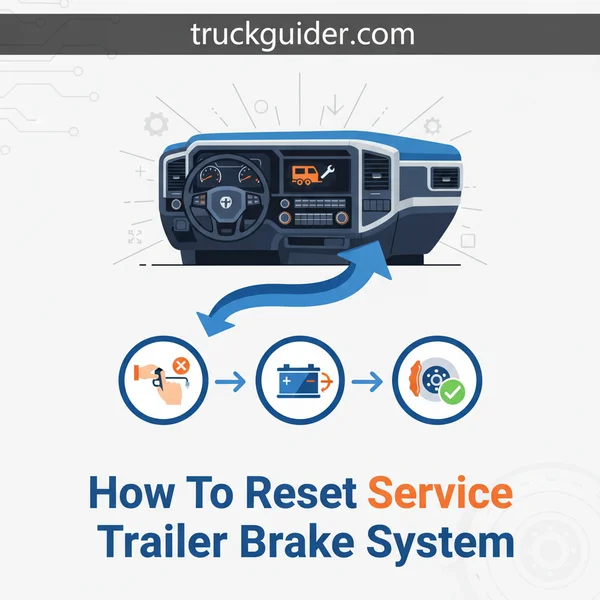
Addressing this warning immediately is vital for your safety on the road. When this message appears, your truck often disables the trailer’s electric brakes entirely to prevent an accidental lock-up or a fire from a short circuit. This means you lose your primary source of stopping power for heavy loads, putting immense strain on your truck’s pads and rotors. Fixing the connection yourself saves you an expensive diagnostic fee at the dealership, as nearly 80% of these errors are caused by external debris rather than a failed internal computer module.
Common Electrical Triggers for Trailer Brake Warnings
Deep Cleaning the 7-Way Plug and Socket
The most frequent cause of a trailer brake error is “green crust” or copper oxidation inside the truck-side 7-way outlet. Even if the exterior looks clean, small amounts of road salt and moisture can bridge the gap between the constant 12V power pin and the brake signal pin. This creates a “leak” that the ITBC interprets as a system fault. To fix this, you must perform a thorough physical cleaning of both the truck’s socket and the trailer’s cord end.
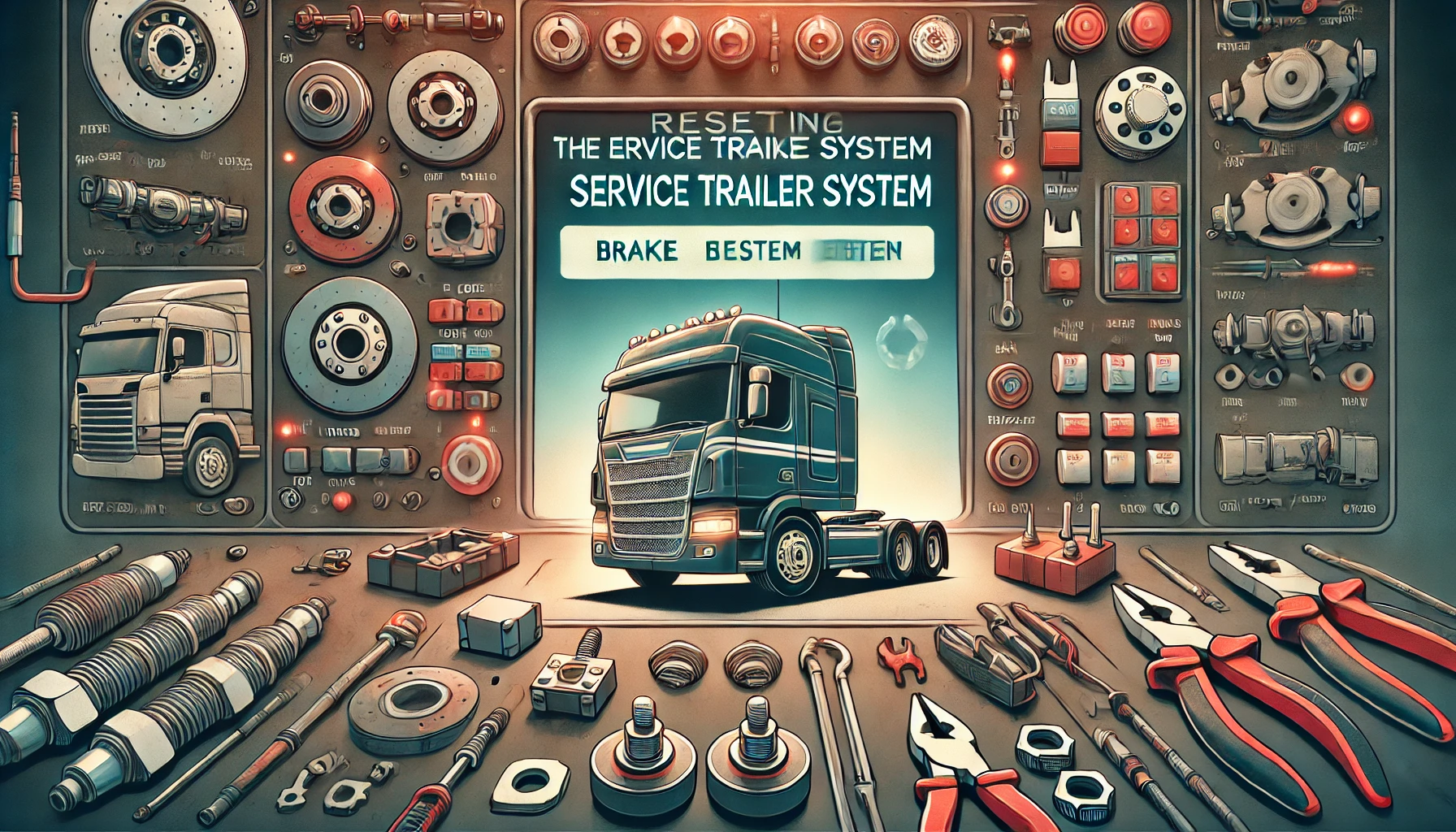
- Use Electrical Contact Cleaner: Spray a generous amount of non-conductive contact cleaner into the truck’s outlet and the trailer’s plug. Avoid using WD-40, as it leaves a residue that can attract more dust.
- Scrub the Terminals: Use a small brass wire brush or a specialized 7-way plug cleaning tool to scrub the flat metal contact points. You want to see shiny copper or brass.
- Check for Receded Pins: Ensure none of the pins inside the truck-side socket have been pushed back into the housing. If a pin is receded, it won’t make a solid connection, triggering the “Service” message.
- Inspect the Back of the Socket: Reach behind the bumper and inspect where the wiring harness plugs into the back of the 7-way housing. Road debris often knocks this connection loose or allows water to seep into the harness side.
Inspecting for Wiring Harness Shorts
If the 7-way plug is spotless and the message persists, the issue likely lies in the first three feet of wiring behind the bumper. Modern trucks use a multiplexed system that is highly sensitive to resistance changes. A single frayed wire touching the truck’s frame will immediately trigger a dashboard warning. Look specifically for the blue wire (brake power) and the white wire (ground). If the ground wire is loose or rusted where it attaches to the frame, the system cannot complete the circuit, leading to an immediate error message.
Master the Service Trailer Brake System Reset in 8 Simple Steps
Recommended Best Deal Products


Seeing the “Service Trailer Brake System” warning light on your dashboard can be an incredibly frustrating experience, especially when you are geared up for a long haul or a weekend getaway. This message typically indicates a communication failure or a physical fault within the Integrated Trailer Brake Controller (ITBC) system. While it can signal a serious hardware failure, more often than not, it is caused by simple issues like corroded connectors, blown fuses, or software glitches. Following this comprehensive guide will help you methodically diagnose the root cause, reset the system, and get back on the road safely without an expensive trip to the dealership.
Step 1: Preliminary Diagnostic Check and Identification
What you need: Vehicle owner’s manual and a notepad.
Instructions: Before turning a single wrench, you must identify exactly when the error occurs. Turn your vehicle on without a trailer attached. If the message appears immediately, the fault is likely within the truck’s internal wiring, the controller itself, or a fuse. If the message only appears when a trailer is plugged in, the fault likely lies in the trailer’s wiring or the 7-way connector plug. Document any specific error codes if your vehicle’s Driver Information Center (DIC) provides them. Consult your owner’s manual to see if there are specific “soft reset” button combinations unique to your vehicle make and model, as some heavy-duty trucks allow for a message clear via the steering wheel interface.
Pro Tip: Always check if the message is “Check Trailer Wiring” versus “Service Trailer Brake System.” The former is almost always a trailer-side ground issue, while the latter points toward the vehicle’s computer or braking module.
Step 2: Inspect and Clean the 7-Way Connector
What you need: Electrical contact cleaner spray, a small wire brush or terminal cleaner tool, and dielectric grease.
Instructions: The most common culprit for a system error is road grime, salt, or moisture inside the 7-way trailer plug at the rear of your truck. Spray the interior of the truck-side socket liberally with electrical contact cleaner. Use a small wire brush to gently scrub the copper pins, ensuring you remove any green or white oxidation (corrosion). Repeat this process on the trailer-side plug. Once both sides are dry, apply a small amount of dielectric grease to the terminals to prevent future moisture intrusion. Reconnect the trailer and check if the “Service” message persists. This physical “reset” of the connection often clears the error immediately.
Pro Tip: Look closely at the back of the truck-side socket where the wires enter the housing. This area is prone to “pinching” or corrosion that can trigger a short circuit.
Step 3: Test and Replace the ITBC Fuses
What you need: A 12V circuit tester or multimeter, and replacement J-Case or mini-fuses (usually 30A or 40A).
Instructions: Open your engine bay fuse box and the interior cabin fuse panel. Use your owner’s manual to locate the fuses labeled “TRLR BRK,” “ITBC,” or “Trailer Brake Control.” Do not simply look at the fuse to see if the wire is broken; use a multimeter to test for continuity. Often, a fuse can have a hairline fracture that is invisible to the naked eye but enough to trigger a system error. If you find a blown fuse, replace it with one of the exact same amperage. If the fuse blows again immediately after replacement, you have a hard short in the wiring that must be addressed before the system can be reset.
Pro Tip: On many modern trucks, there are actually two fuses related to the trailer brakes—one for the logic/display and one for the actual power delivery to the magnets. Check both.
Step 4: Perform a Hard Battery Reset
What you need: A 10mm wrench or socket set.
Instructions: If the fuses and connectors are healthy, the error might be “latched” in the vehicle’s Body Control Module (BCM). To perform a hard reset, turn off the engine and remove the key. Disconnect the negative (black) battery cable from the terminal. Wait at least 15 to 20 minutes; this allows the capacitors in the vehicle’s computer systems to fully discharge, effectively wiping the temporary error cache. After the wait, reconnect the cable and tighten it securely. Start the vehicle and pump the brake pedal several times. In many cases, this cycle forces the computer to re-poll the brake controller, clearing the “Service” message if the fault was temporary.
Pro Tip: While the battery is disconnected, touch the disconnected negative cable to the positive cable (if possible) for 30 seconds to speed up the discharge of stored electricity. Never touch the battery posts together!
Step 5: Inspect the Brake Pressure Sensor Wiring
What you need: A bright flashlight and a pair of mechanics’ gloves.
Instructions: Many “Service Trailer Brake” errors are caused by a faulty Brake Pressure Sensor, which is often located on the master cylinder or integrated into the ABS module. Crawl under the hood and locate the master cylinder. Look for a sensor with a two- or three-wire harness plugged into it. Ensure the plug is seated deeply and that the wires haven’t been chewed by rodents or melted against the exhaust manifold. If the wiring looks frayed or the connector is loose, the computer will not receive the “pressure” signal required to activate the trailer brakes, resulting in a system lockout. Secure any loose connections and wrap any exposed copper with high-quality electrical tape.
Pro Tip: If you see brake fluid leaking into the electrical connector of the sensor, the sensor has failed internally and must be replaced to reset the system.
Step 6: Use an OBDII Scanner to Clear Fault Codes
What you need: An OBDII diagnostic scanner (capable of reading ABS/Chassis codes).
Instructions: Sometimes a physical repair is made, but the vehicle’s computer refuses to turn off the warning light without a manual command. Plug your OBDII scanner into the port located under the driver-side dashboard. Run a full system scan and look for “C” (Chassis) codes, such as C1114 or C111B. These codes specifically relate to the trailer brake output circuit. Select the “Clear Codes” or “Reset DTCs” option on your scanner. Once the codes are cleared, cycle the ignition off and back on. If the repair was successful, the “Service” message will disappear and the system will resume normal operation.
Pro Tip: A basic $20 scanner might not read trailer brake codes. Ensure your scanner supports “Extended Manufacturer Codes” or “Chassis Systems” for the best results.
Step 7: Re-Calibrate the Gain Settings
What you need: Access to the vehicle’s dashboard menu buttons.
Instructions: Once the light is off, the system may need to be re-initialized. Navigate through your vehicle’s dashboard menu to the “Trailer Brake” screen. Manually adjust the “Gain” setting to zero, then all the way to ten, and then back to your desired level (usually 5.0 for a medium load). This action “sweeps” the electronic potentiometer in the controller, ensuring the computer recognizes the full range of motion. If your vehicle has a manual override slide bar on the dash, squeeze it several times to ensure the system recognizes the manual input signal. This verifies that the communication link between the dash switch and the rear magnets is active.
Pro Tip: Always perform this recalibration while the truck is in “Park” to ensure the software accepts the new baseline settings.
Step 8: Conduct a Low-Speed Functional Test
What you need: A safe, flat, paved area (like an empty parking lot) and your trailer.
Instructions: The final step in a reset is a physical verification. Hitch your trailer and connect the 7-way plug. Ensure the “Service” light remains off. Drive at approximately 10–15 mph. Without touching the truck’s brake pedal, gently squeeze the manual override lever on your trailer brake controller. You should feel the trailer brakes grab and slow the vehicle down. If the trailer slows the truck down smoothly without triggering a new error light, the system is fully reset and functional. If the light pops back on the moment you apply the brakes, you likely have a “short to ground” in the trailer’s magnetic drum brakes themselves.
Pro Tip: If the brakes feel “jerky” during this test, you may need to adjust the brake shoes on the trailer, as the truck’s computer can interpret uneven resistance as a system fault.
✅ Final Checklist
- Confirm the 7-way plug is free of green corrosion and treated with dielectric grease.
- Verify that the ITBC-specific fuses in both the engine and cabin blocks are intact.
- Ensure the “Service” message does not reappear after a 20-minute battery disconnect.
- Clear any latent “C” prefix codes using an OBDII diagnostic tool.
- Confirm the trailer brakes engage manually using the dashboard override slider.
Important Notes:
- Safety First: Never attempt to tow a heavy trailer if the “Service Trailer Brake” light is active; your trailer brakes may not function at all, significantly increasing your stopping distance.
- Professional Help: If you have cleared the codes and checked the fuses but the light returns instantly, the internal Trailer Brake Control Module (usually located near the spare tire) may have failed and requires professional replacement.
- Estimated Time: 30–60 minutes.
- Cost Range: $0 (simple cleaning/reset) to $50 (new fuses/cleaning supplies), or up to $300 if a sensor or module requires replacement.
Analysis of the Integrated Trailer Brake Control (ITBC) Module
Locating and Checking Specific ITBC Fuses
When the “Service Trailer Brake System” message is persistent and does not disappear when the trailer is disconnected, a blown fuse is the primary suspect. The ITBC usually runs on two separate circuits: one for the logic/display and one for the actual power delivery to the brakes. If the power fuse blows, the display still works, but it will throw a service code because it cannot detect output voltage. You should check the following locations based on your vehicle’s make:
- GM (Silverado/Sierra): Check the Underhood Fuse Block. Look for Fuse 21 (30A or 40A) labeled “TRLR BRK” and Fuse 47. In newer models, check for the “ITBC” fuse in the driver-side instrument panel fuse box.
- Ford (F-150/Super Duty): Locate the Power Distribution Box under the hood. Fuse 4 (30A) and Fuse 95 (5A) are the most common culprits. Also, check Fuse 20 in the passenger-side kick panel.
- RAM Trucks: Check the Power Distribution Center (PDC) near the battery. Look for Fuse F11 (30A) or Fuse F06 depending on the year.
Testing the ITBC Output Voltage
To determine if the module itself is dead, you can perform a simple voltage test at the bumper without a trailer attached. Have a friend sit in the cab and manually squeeze the trailer brake controller’s sliders together. While they hold the sliders, use a multimeter to check for 12V power at the 7-way plug between the 5 o’clock position (Brake Signal) and the 7 o’clock position (Ground). If you see a voltage reading that fluctuates as the slider is moved, your ITBC module is functioning correctly, and the fault is almost certainly in your trailer’s wiring or the physical plug connection.
If there is zero voltage at the plug during the slider test, and your fuses are intact, the module may have a “soft lock.” You can sometimes reset the module’s internal logic by disconnecting the truck’s negative battery terminal for 15 minutes. This forces the ITBC to re-initialize its self-diagnostic cycle upon power-up, which can clear “ghost” codes that have become stuck in the system memory.
Impact of Environmental Factors on 7-Way Connector Integrity
Recommended Best Deal Products


When that “Service Trailer Brake System” warning illuminates your dashboard, the culprit is often hiding in plain sight at the rear of your vehicle. The 7-way connector serves as the critical bridge between your truck’s computer and the trailer’s braking magnets. Because this component lives outside the cabin, it is the most vulnerable point in the entire electrical circuit.
The Corrosion Crisis and Moisture
Moisture is the primary enemy of a clean electrical signal. Even a small amount of humidity trapped inside the plug housing can lead to oxidation. You might notice this as a chalky green residue on the copper pins, often referred to as “green gunk.” This corrosion creates high resistance, making it difficult for the brake controller to “sense” the trailer, which triggers a system reset or error message. If you live in a coastal area or drive through high-humidity regions, this process happens much faster.
- Road Salts and Brine: During winter, liquid de-icers can seep into the wiring harness. These chemicals are highly conductive and can cause “bridge” shorts between the pins.
- Dust and Debris: Fine grit from dirt roads can act as an insulator, preventing the pins from making full metal-to-metal contact.
- Extreme Heat: Persistent heat can cause the plastic housing of the connector to warp or become brittle, leading to loose connections that vibrate during travel.
Protective Measures for Longevity
To keep the environmental toll to a minimum, many seasoned towers rely on dielectric grease. Applying a small amount to the pins creates a moisture-proof barrier that prevents oxidation without interfering with the electrical flow. Additionally, ensuring the spring-loaded cap on your truck’s outlet is tight and the gasket is intact can save you from a “ghost” service light in the middle of a trip.
Comparison of OEM vs. Aftermarket Brake Controller Reliability
Understanding whether you are dealing with an Original Equipment Manufacturer (OEM) unit or an aftermarket add-on is vital for accurate troubleshooting. Both systems have the same goal, but they communicate with your truck’s brain in very different ways.
The Sophistication of OEM Integrated Units
Most modern heavy-duty trucks come with an Integrated Trailer Brake Controller (ITBC). These units are hardwired into the vehicle’s data bus, meaning they talk directly to the Engine Control Module (ECM) and the Anti-lock Braking System (ABS). The benefit is a much smoother, proportional braking experience. However, because they are so integrated, a failure in a completely unrelated part—like a 3rd brake light bulb or a wheel speed sensor—can actually trigger the “Service Trailer Brake” message. They are highly reliable but can be more complex to reset without a professional scan tool.
The Rugged Simplicity of Aftermarket Controllers
Aftermarket units, such as those from Tekonsha or Curt, are often “stand-alone” devices. They typically rely on an internal inertia sensor rather than the truck’s computer data. While they might lack the seamless feel of a factory unit, they are often much easier to diagnose.
- Diagnostic Displays: Many aftermarket controllers feature digital screens that provide specific text codes (like “S.H.” for Short Circuit), making it easier to pinpoint the fault location.
- Wiring Vulnerabilities: Most aftermarket issues are traced back to the “pig-tail” adapter under the dash or a poor ground wire, rather than a software glitch in the truck’s main computer.
- Replacement Ease: If an aftermarket unit fails, it can be swapped out in minutes with basic tools, whereas an OEM failure often requires a dashboard teardown and dealer reprogramming.
Wrapping Up Your Troubleshooting Journey
Dealing with a trailer brake error can be intimidating, but most issues are rooted in simple physical factors rather than catastrophic system failures. By keeping an eye on your 7-way connector’s cleanliness and understanding the specific quirks of your controller type, you can manage the majority of service warnings yourself. Always remember that a clean connection and a secure ground are the two most important factors in a healthy towing setup.
Before your next big haul, take five minutes to inspect your plugs for any signs of wear or corrosion. If the “Service Trailer Brake” message persists after a visual inspection, consider performing a multimeter test on your 7-way pins to confirm power delivery. Stay proactive with your maintenance, and you’ll ensure a much safer and more relaxing experience on the open road!
💬 Quick Questions & Answers
Can a blown fuse cause the service trailer brake message?
Yes, a blown Integrated Trailer Brake Controller (ITBC) or CHMSL fuse is a primary cause.
Why does the error appear when no trailer is attached?
This usually indicates a short circuit or moisture inside the truck-side 7-way connector socket.
Will cleaning the trailer plug fix the dash error?
In many cases, removing corrosion with electrical cleaner and a wire brush clears the signal.
Does this message affect my truck’s primary brakes?
No, your truck’s hydraulic brakes will function normally, but the trailer’s electric brakes will not work.
Is the brake controller module a common failure point?
On certain Chevy and GMC models, the internal relay in the module is a known high-failure item.
❓ Frequently Asked Questions
What is the most common cause of the ‘Service Trailer Brake System’ error?
The most frequent culprit is corrosion or debris inside the 7-way trailer plug at the rear bumper. Moisture creates a bridge between pins, tricking the computer into sensing a fault or a disconnected trailer while driving.
Where are the fuses located for the trailer brake system?
Most trucks house these fuses in the engine bay fuse block. Look for labels like ‘ITBC,’ ‘TRLR BRK,’ or ‘CHMSL’ (Center High Mount Stop Lamp), as these circuits are interconnected.
Can a bad ground wire trigger this specific warning light?
Absolutely. A loose or rusted ground wire, typically bolted to the frame near the spare tire or the rear bumper, is a notorious cause for intermittent ‘Service Trailer Brake’ messages.
How do I know if the dashboard switch or the module is the problem?
If the manual squeeze-trigger on the dash doesn’t activate the brakes but the pedal does, the switch is likely bad. If neither works and fuses are good, the module is the suspect.
Why does the error only happen when it rains or after a car wash?
This indicates that water is entering the electrical housing of the 7-way plug. Drying the connector and applying dielectric grease usually provides a permanent fix for this environmental issue.
Will a battery reset permanently clear the trailer brake code?
A battery reset will clear the ‘soft’ codes from the computer’s memory, but if a physical short or a blown fuse exists, the message will return as soon as the system runs its self-check.
![Service Electronic Throttle Control Ram 1500 [2026]](https://truckguider.com/wp-content/uploads/2026/03/service-electronic-throttle-control-ram-featured.webp)
![2016 Ram 2500 Turbo Actuator: Guide to Costs: Complete Guide [2026]](https://truckguider.com/wp-content/uploads/2026/03/2016-ram-2500-turbo-actuator-featured.webp)